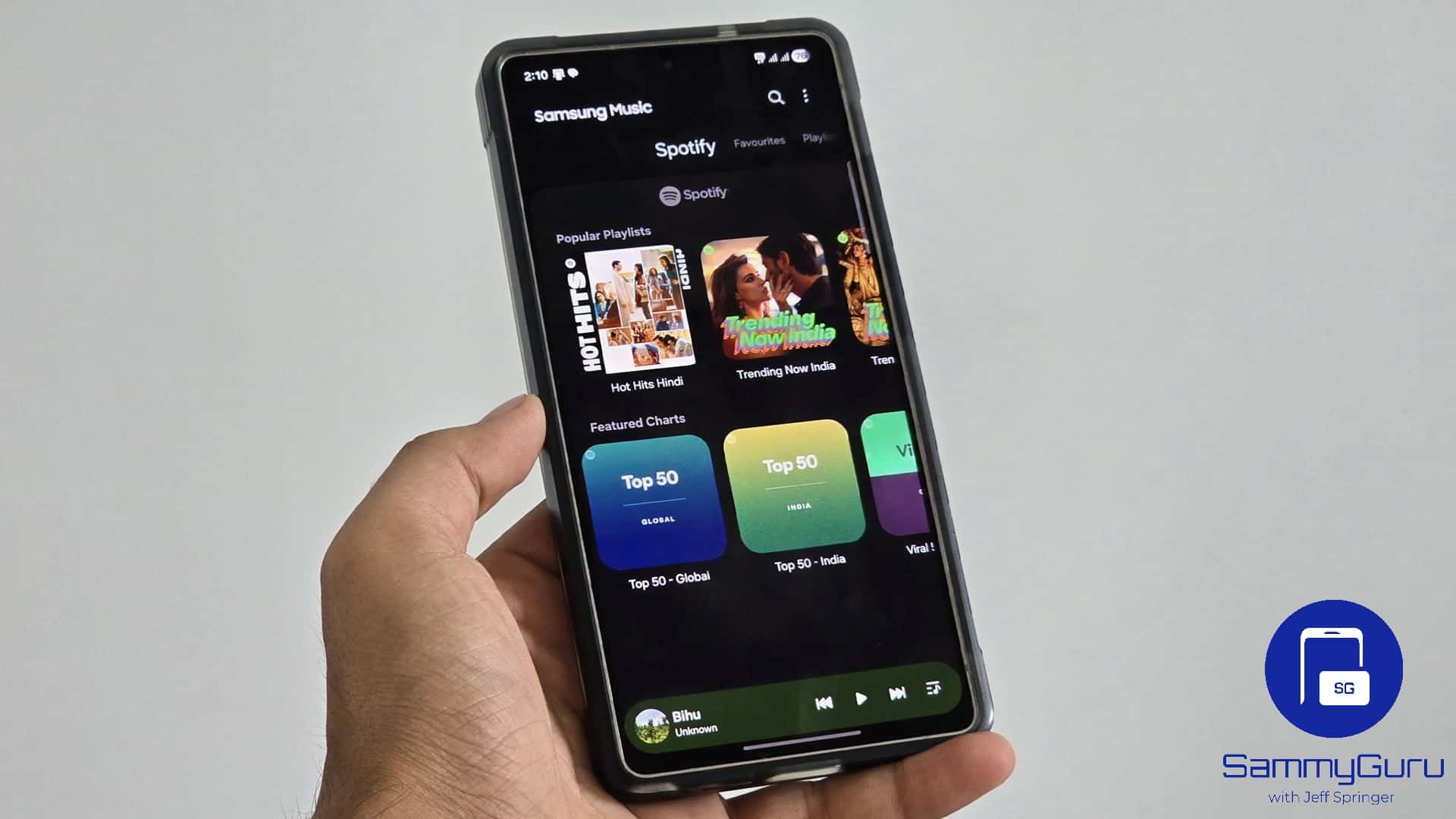
If you’ve been using One UI 7 or even One UI 8, you probably noticed something odd. Samsung Music never got the new widget style that One UI 7 introduced last year. While other apps moved to Samsung’s newer rounded design, Samsung Music stayed stuck with the old look. Well, until now.
Samsung is quietly updating its apps again. We just saw that with Samsung Browser (rebranded Samsung Internet Browser), and this time, Samsung Music is catching up.
Samsung Music finally catches up with One UI design
With the latest update tied to One UI 8.5 (version 16.2.44.0), Samsung Music not only gets a refreshed icon but also the long-awaited updated widgets, which align with the rest of One UI widgets. Here’s a comparison between the old widget design and the newer design.
Samsung didn’t just redesign the widget. It also made it more flexible. You can now resize it in 2×2, 2×3, or 4×1 layouts. This makes it easier to fit the widget into different home screen setups, whether you want something compact or more detailed.
One of the more interesting additions is the opacity slider for the 4×1 widget. Samsung added a 10-step transparency control, letting you adjust how the widget blends into your home screen. Lower transparency brings a cleaner, more blurred look, while higher transparency brings a more visible background. If you bring the slider to the lowest opacity, the widget becomes transparent.
It’s a small feature, but it actually makes a difference, especially if you care about how your home screen looks. It isn’t a massive overhaul, but it fixes something that felt out of place for a while. Samsung has been pushing its new widget design since One UI 7, and Samsung Music was one of the few apps that didn’t follow. And with this new update, it finally feels like part of the modern One UI experience.
‘ The preceding article may include information circulated by third parties ’
‘ Some details of this article were extracted from the following source sammyguru.com ’