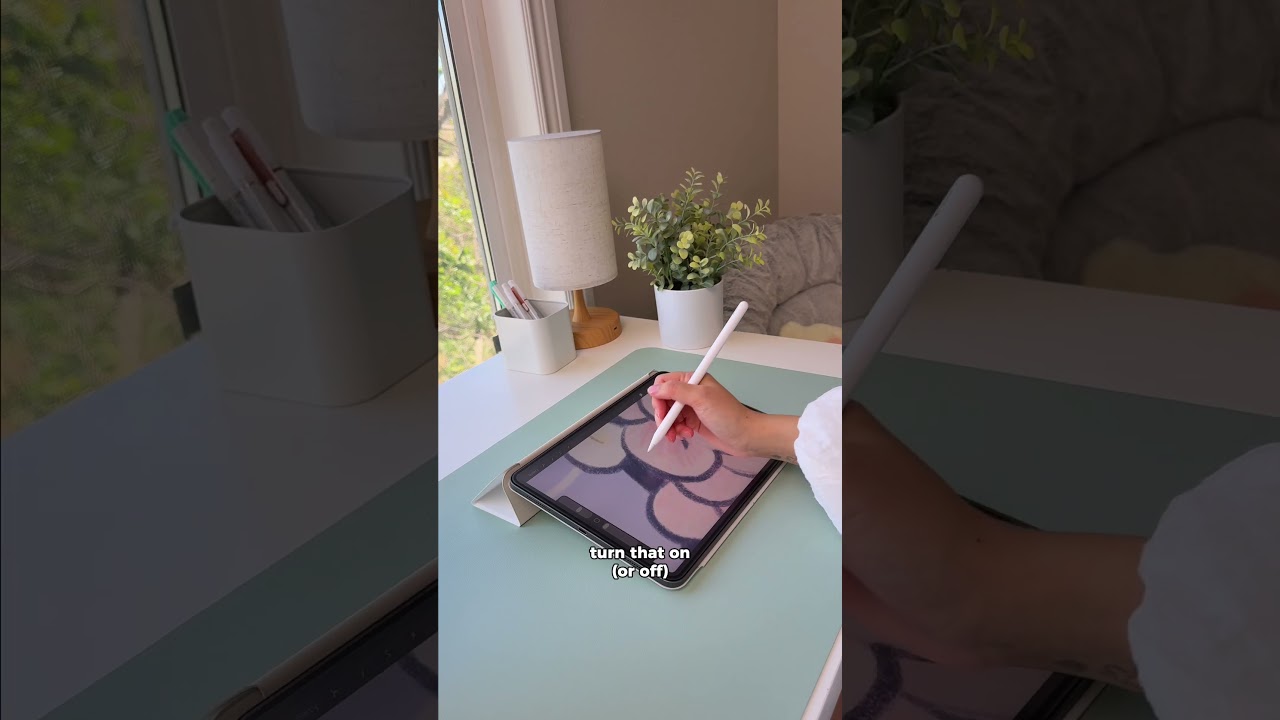
Resting your hand on the iPad while drawing can lead to accidental marks and unwanted smudges.
The fix? Turn on “Only Draw with Apple Pencil” in your drawing app’s settings. This lets your hand rest naturally on the screen while your Apple Pencil controls the drawing, giving you more freedom without accidental touches.
✍️ Better palm rejection while drawing
🎨 Fewer accidental marks and smudges
📱 A simple Apple Pencil setting for digital artists
.
.
.
👉 Shop Rock Paper Pencil: https://astropad.com/product/rock-paper-pencil/?gad_source=1&gad_campaignid=22153949500&gbraid=0AAAAADieTHXRuBbFhQrKd5n48GRLcVbek&gclid=Cj0KCQiA1czLBhDhARIsAIEc7uin58hFfjf-kEv_JQLz46kbfF0R6GUHPir9hxe0GN5PmOeegD5ELqYaAmwdEALw_wcB
👉 Download Rock Daily Planner: https://shop.astropad.com/products/rock-daily-planner?srsltid=AfmBOopYqWErOHttKg-fCaQvWlGYSerV58WE4tIOrWZi5ddIfLmEFCTb
Video Source