If you haven’t yet, follow us on X (Twitter), Mastodon, or Bluesky to know when we post new articles, and join our Reddit or Subscribe to us on YouTube to check out our content and interact with our awesome community. Thank you for supporting us!
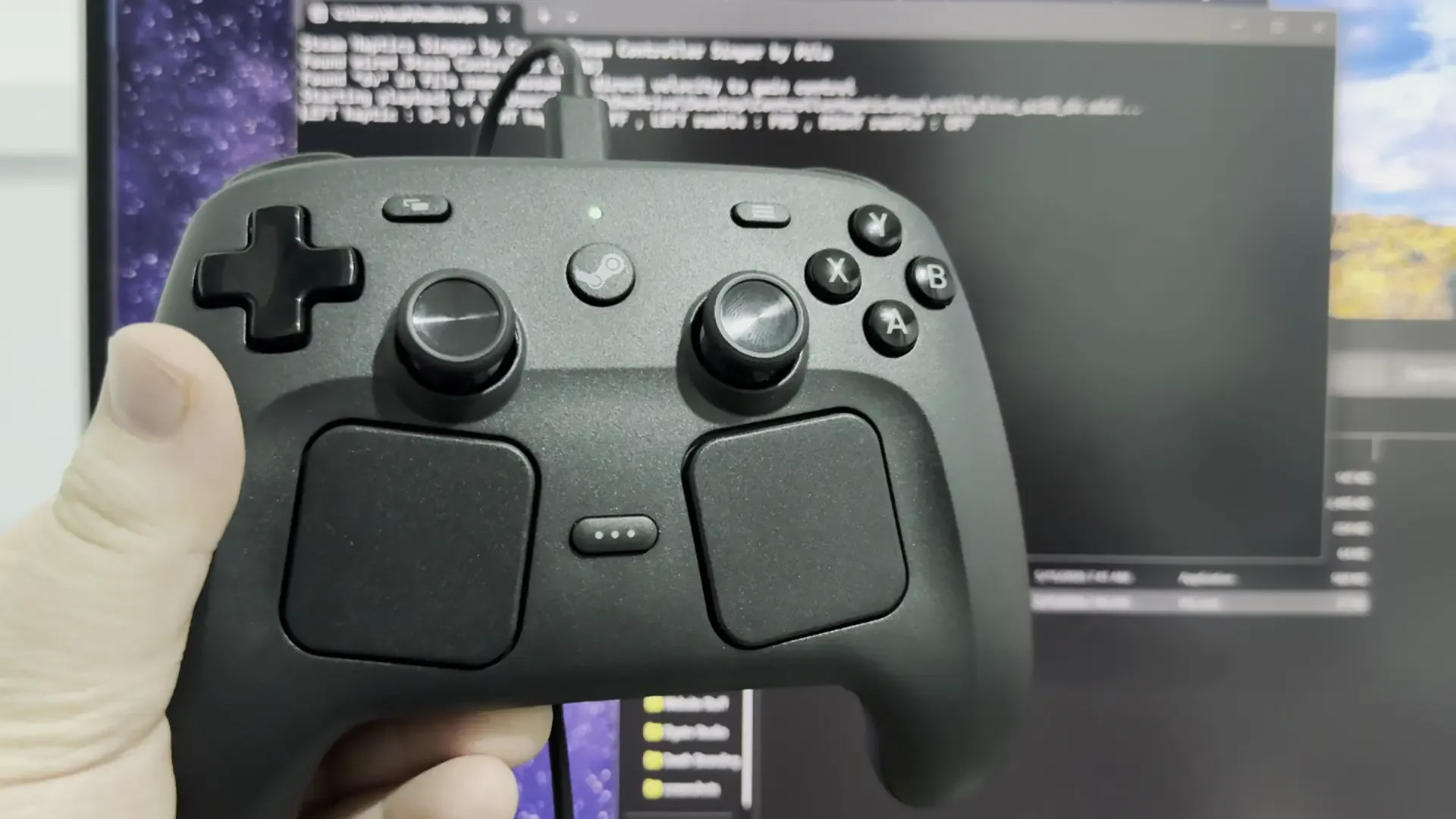
I have been loving using the Steam Controller. It feels like the perfect controller to me, taking the best parts of the Steam Deck and putting them on an accessible, comfortable frame. But on top of that, it is filled with Easter eggs. Recently, the community discovered that if we drop the controller enough, it will make a scream. But today, we discovered that with a nifty tool created by the community, we can make the controller play music.
SteamHapticsSinger is a tool created by Critic89, and first covered by PCGamer, that will allow the Steam Controller to play MIDI files. These are files that contain instructions on how to play music, not actually any sound, and when it’s designed correctly, it can be used to provide instructions for haptic feedback to create noise. And in this case, it can make the haptics in the Steam Controller create music.
Getting it working is quite easy as well. All you have to do is download the latest version from the GitHub page, and then drag a MIDI file onto the executable. After that, you should be all set. If you are using this on Windows PC, you may need to install an extra component for this to work correctly, though.
Crazy enough, it does work. The videos from PCGamer’s article not only show it working, but I can confirm it’s working on my end. On top of that, I learned that this can also be used for the Steam Deck’s haptics, which I accidentally got playing Stay Alive while trying to get it working with the controller. Here is the video I took of my controller playing Stay Alive:
This isn’t something I will be doing often, but it’s still cool that it can happen. This was also possible on the original Steam Controller, but I think it’s great it still works with the new one. And if you want to check out other MIDI files with other songs, there’s a link to a collection on the GitHub page.
If you enjoyed this article, check out the rest of the content on SteamDeckHQ! We have a wide variety of game reviews and news that will help your gaming experience. Whether you’re looking for news, tips and tutorials, game settings and reviews, or just want to stay up-to-date on the latest trends, we’ve got you covered!
‘ The preceding article may include information circulated by third parties ’
‘ Some details of this article were extracted from the following source steamdeckhq.com ’